 kayetana
kayetana in five minutes.
kayetana is an AI platform that runs on a Mac Studio in your office. Your team asks questions in the browser, gets answers with sources and works with text, documents and recordings. Your data stays in the building.
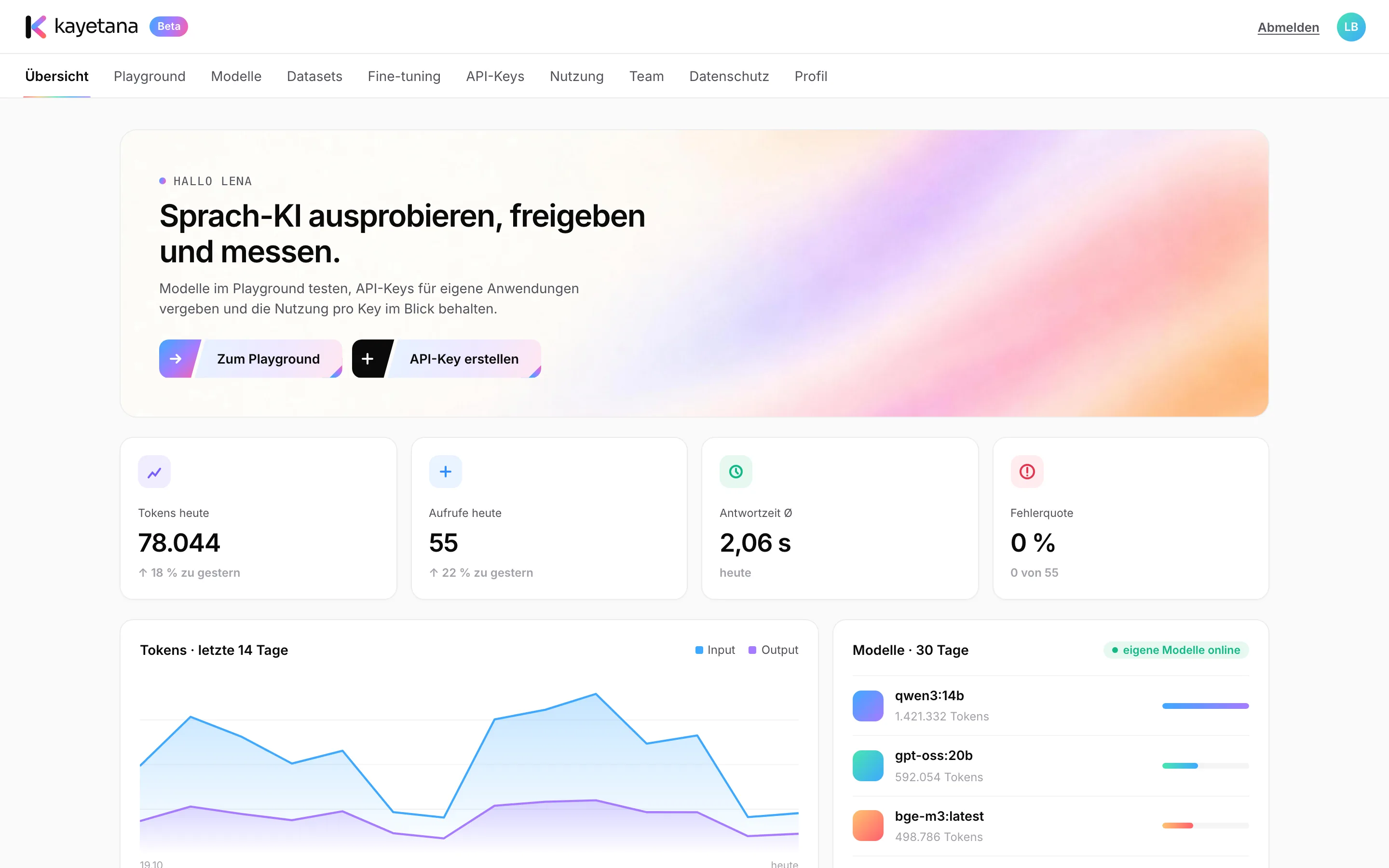
Four steps, one place.
You ask in the browser
You open kayetana in your browser and type your question. If you like, you add documents, such as a PDF or a Word file.
The model runs on your server
An open AI model processes the question directly on the Mac Studio on your network. No cloud service is involved.
You get an answer with sources
When you ask about documents, every sentence shows where it came from. That way you can check the answer in seconds.
Nothing leaves the building
Prompts and answers are never stored. Only time, model, tokens and duration are logged, for usage statistics.
Six tasks, one platform.
Chat
Draft, rewrite or summarize text. With templates your whole team can use.
Ask your documents
Upload policies, contracts and handbooks and ask questions about them. Every statement names its source.
Transcribe meetings
Turn recordings and voice messages into text with timestamps. Up to 100 MB per file.
Sort tickets and emails
Assign texts to categories automatically, using a few examples or your own classifier.
Search by meaning
Turn text into vectors and rank it by relevance. The foundation for searching across your content.
Connect your own apps
Use every feature through a REST API, with API keys and a monthly limit per key.
Three good reasons.
- Your data stays with you. Everything runs on your own server. Once the models are downloaded, kayetana even works without the internet.
- One price for everything. You pay a flat fee for the platform. No per-token or per-user billing, no matter how big your team is.
- Everything in one place. Chat, documents, search, audio, custom models and an API in one interface, with roles and usage statistics.
Who it's for
- Executives who want to bring in AI without giving up control of their data
- IT and development teams building AI features into their own apps
- Support teams that want to sort tickets and emails faster
- Legal and HR teams working with confidential documents
- Data protection officers who need clear rules for storage and deletion
Want to go deeper?
The white paper covers architecture, data flows and security in detail. The tutorials walk through every feature step by step.