 kayetana
AI for everyone on your team. At a fixed cost.
In a mid-sized business, AI should help many people, not just a few. kayetana runs on a Mac Studio in your office, for every department, with no per-user or per-token billing.
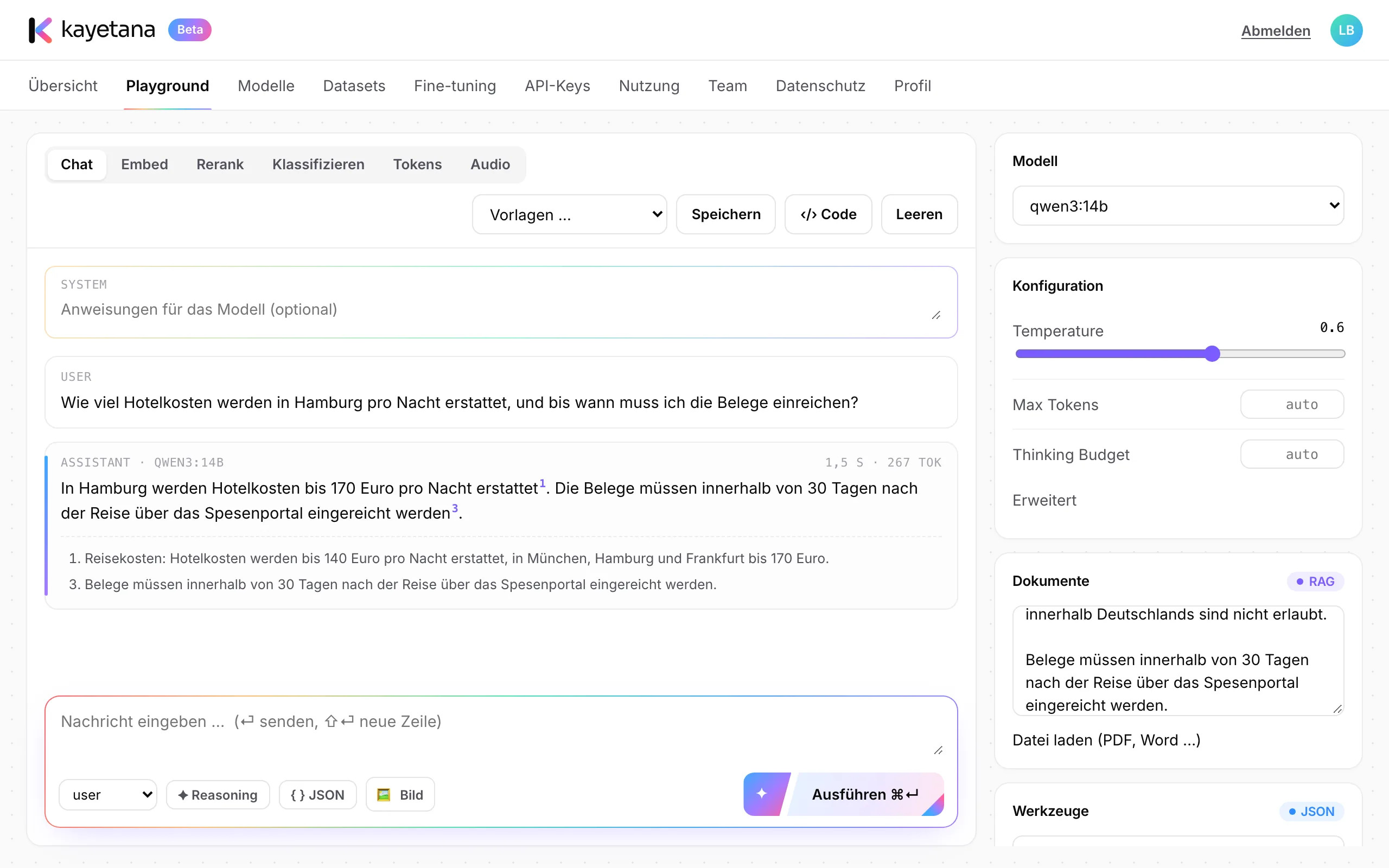
One tool, many tasks.
HR
Answer questions about policies and employee agreements, with sources.
Sales
Draft proposals, emails and summaries of customer meetings.
Customer service
Pre-sort requests by topic and urgency.
Management
Record meetings and keep them as text with timestamps.
Purchasing
Query supplier contracts and terms, with the exact passage.
IT
Connect your own apps through the REST API, with keys and limits.
Runs without you having to babysit it.
One script installs models, services, HTTPS and backups. After that, kayetana backs up its database and files every night and starts on its own after a reboot.
- Daily backup at 3:15 a.m.
- Updates by script
- Services restart on their own after a reboot
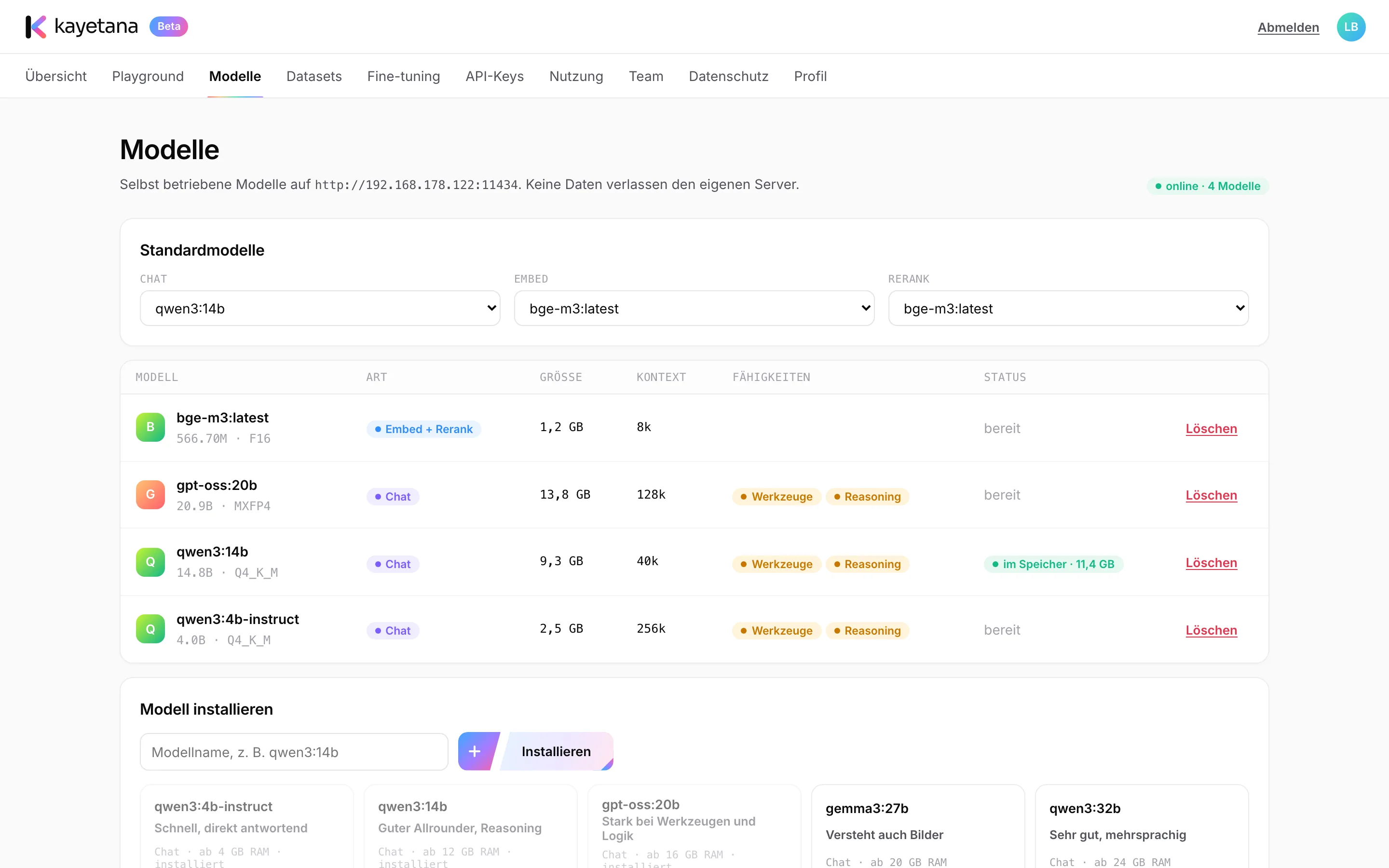
Company know-how stays in the company.
Pricing, customers, contracts and plans are what make your business yours. With kayetana, data stays on your server and you stay in control.
- No prompt goes to a cloud service
- Prompts and responses are never stored
- Unlimited users for a flat fee
- Owner, Admin and Member roles
- Can run without internet access
- Mac Studio: quiet and energy efficient
Up and running in three steps.
Set up the server
A Mac Studio in your office. All it needs is power and a network connection.
Configure
We load the right models and set up HTTPS and backups.
Invite the team
Everyone gets a link and can start right away, in the browser or via API.
See kayetana in action.
In 30 minutes, we show you the platform using your own examples.
Frequently asked questions
Do I need my own IT department?
No. We handle the setup. In operation, kayetana backs itself up and restarts on its own after a reboot. Updates run by script.
How many employees can use kayetana?
The flat fee covers the platform, with no per-user billing. How many people can work smoothly at the same time depends on the Mac Studio's memory and the models you choose.
What happens if something fails?
kayetana backs up its database and files every night and keeps backups for 14 days. We also recommend an external backup.
Can I start small?
Yes. Start with one department and one use case, then invite more colleagues when it's working.